
Start on the Free plan: one project, no card.

    Turn your web app into a native mobile app

    SwiftUI on iPhone. Jetpack Compose on Android. One project. Import your web app from a URL or straight from its Git repo. Modaal plans the app with you, your own AI agent builds it, and you publish to the App Store and Google Play.

    Bring your project from

    • Any website

    Start from what you have

    Your project can be a vibe-coded app or any website. Start from its code or URL, review the migration plan, and build a native app while your web version keeps running.
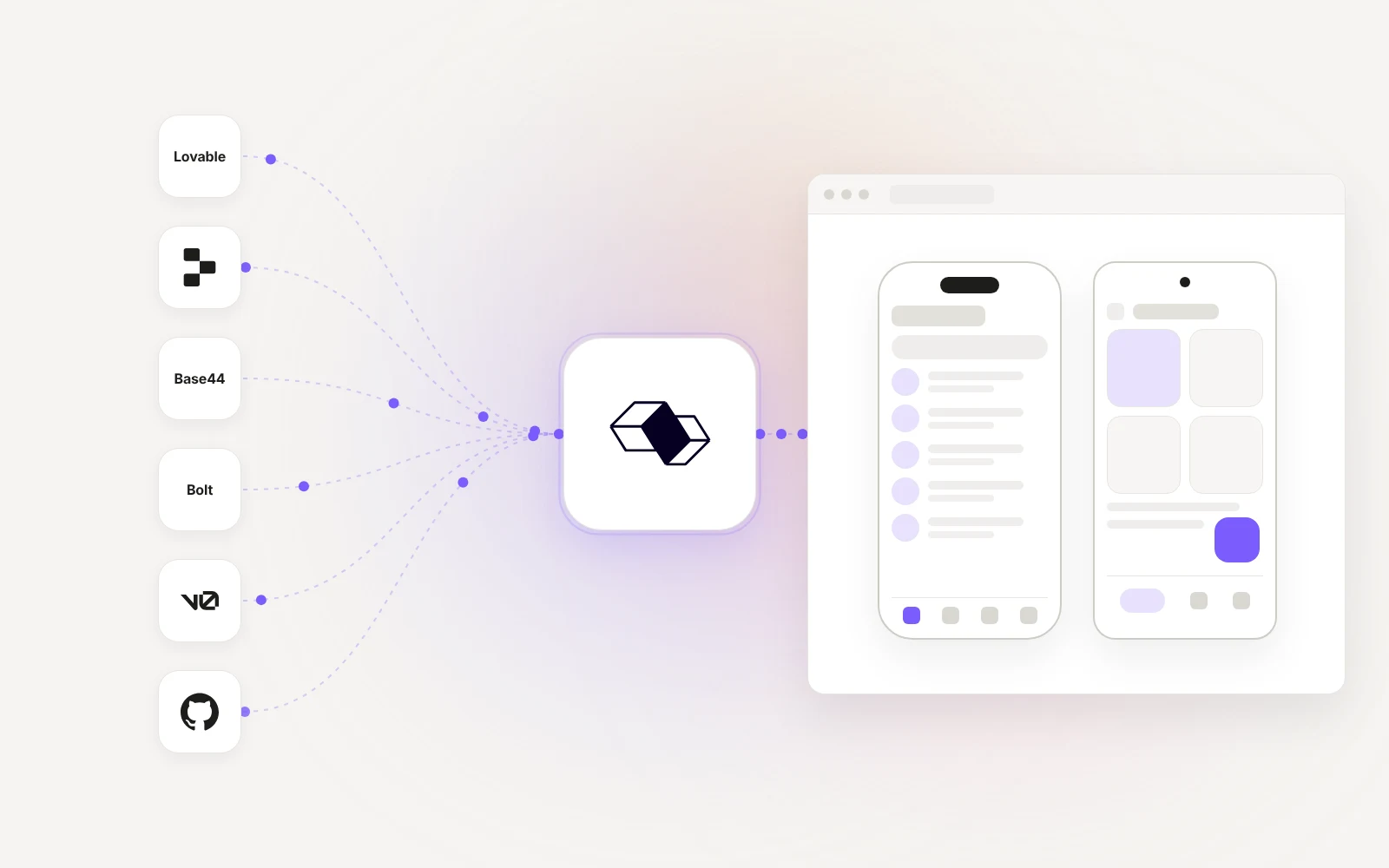
    A Lovable project turned into a Modaal migration plan and native iPhone and Android apps
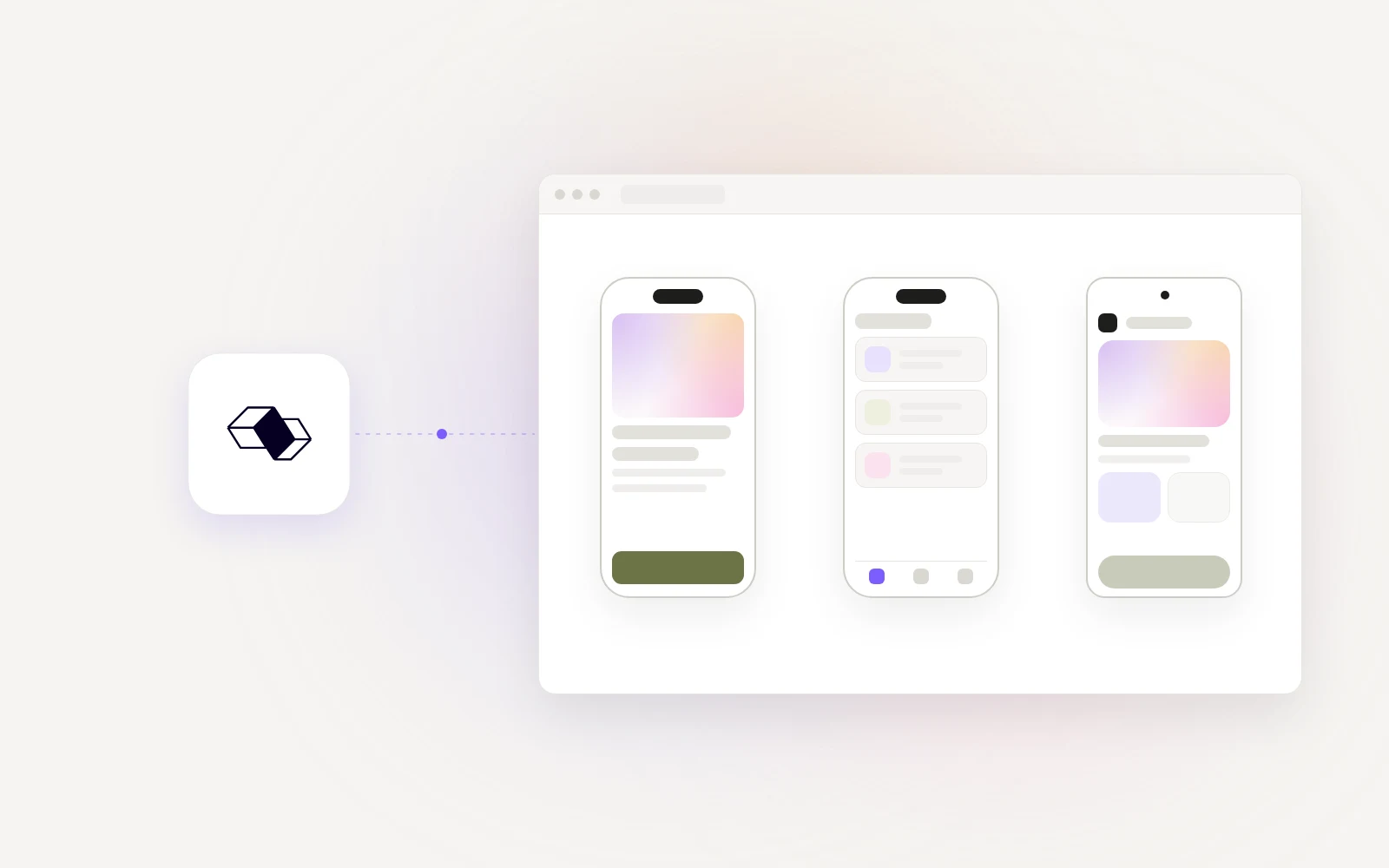
    A website rebuilt as native iPhone and Android apps in Modaal

    Your project. A native experience.

    Start from your code or website
    Import from Lovable, Replit, Bolt, Base44, v0 or Git, or use the URL of any website, however it was built.
    Keep your backend and accounts
    Your native app connects to your existing backend and data. Passwords and active web sessions stay with your original app; mobile sign-in uses the same accounts.
    Rebuilt in true native
    Visible content, pages, navigation, text, images, fonts and colors, becomes SwiftUI on iPhone and Jetpack Compose on Android, not a website inside an app.
    Redesigned for a phone
    Layouts, gestures and navigation are adapted to mobile screens. Review the plan with your agent, then build and check each flow.

    From web app to the App Store in four steps

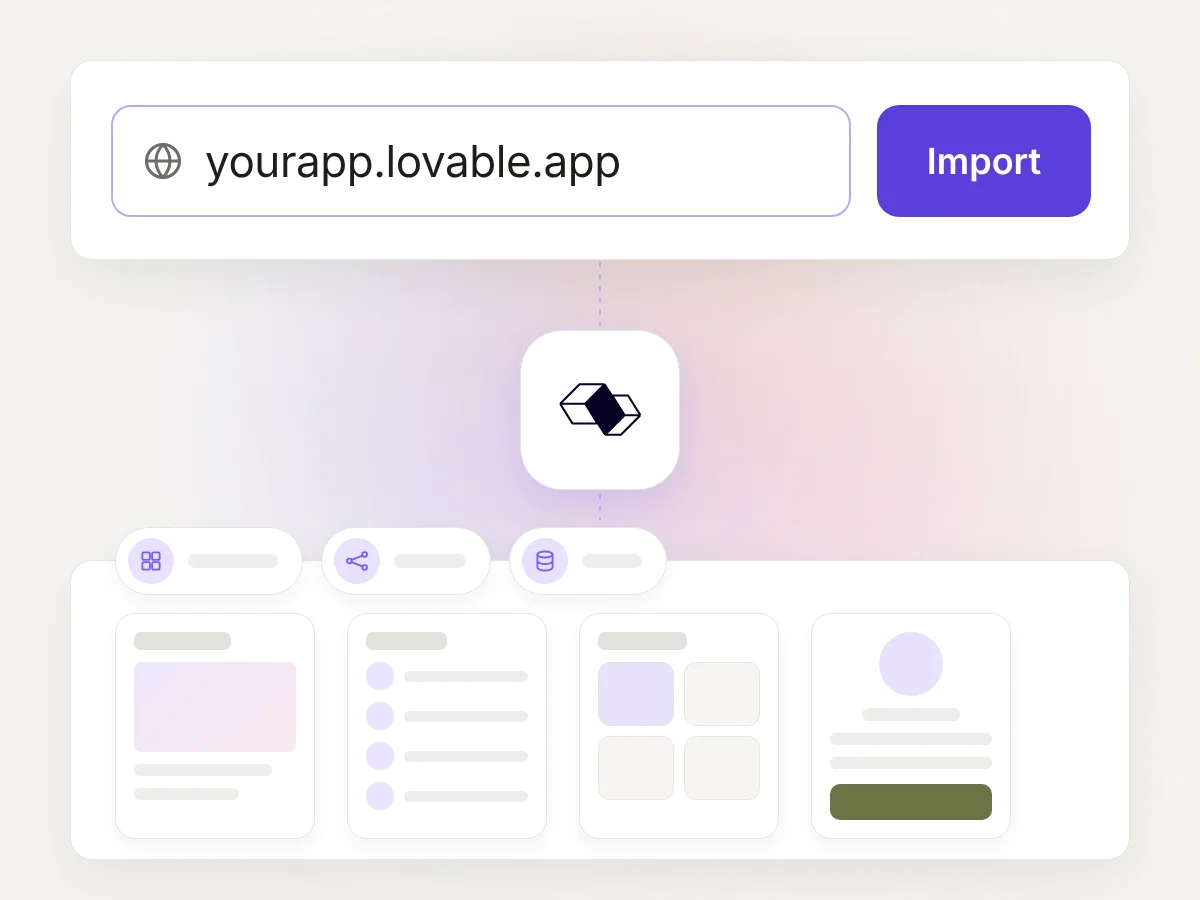
    A web app link typed into Modaal, then the screens, flows and data Modaal found
    1

    Import

    Paste a website URL, or a Git repo, of your Lovable, Base44 or Bolt project. Modaal lists the screens, flows and data it found.
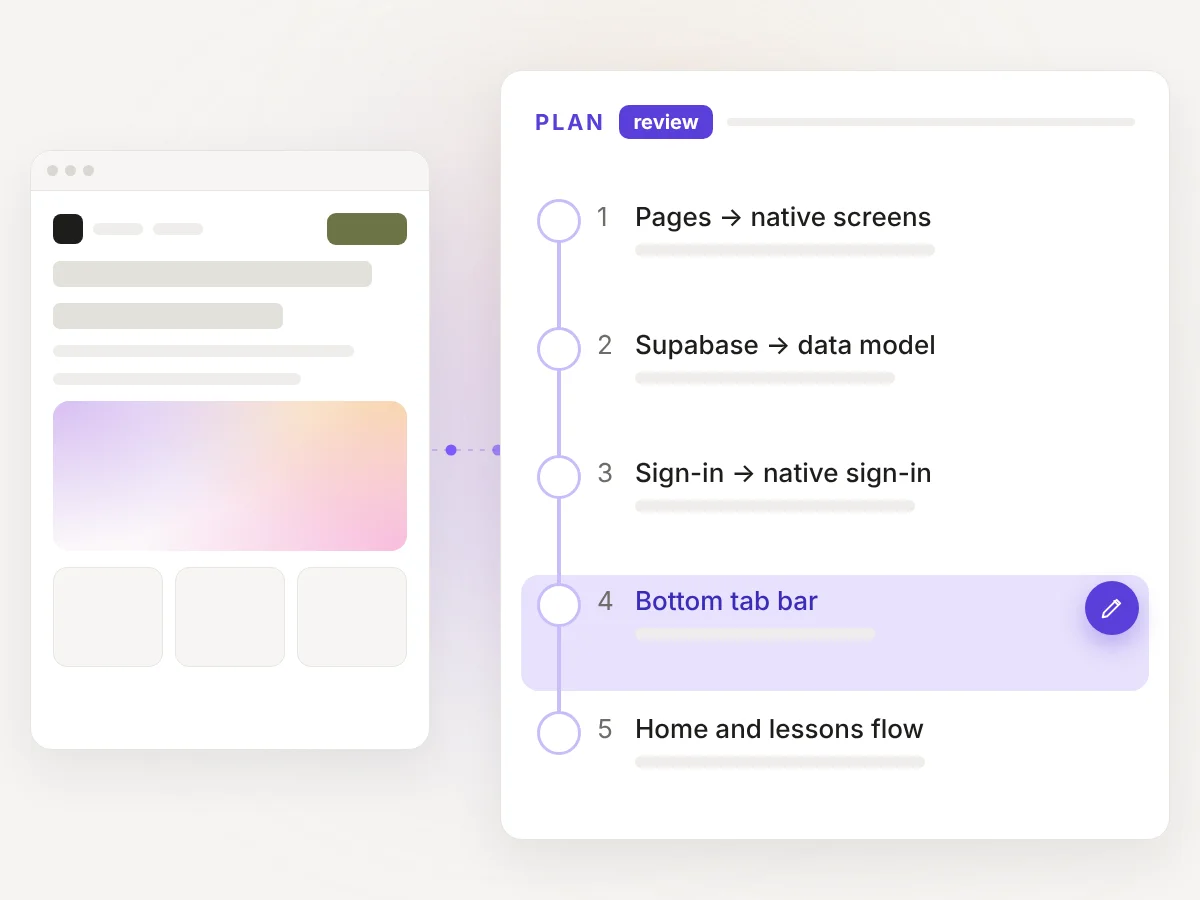
    A web page next to its Modaal migration plan; one plan item is changed to a bottom tab bar
    2

    Review your migration plan

    Modaal turns what it found into a migration plan. For a Lovable app: each page becomes a native screen, the Supabase tables become the data model, and sign-in moves to native sign-in on the same accounts. You change what should work differently on a phone.
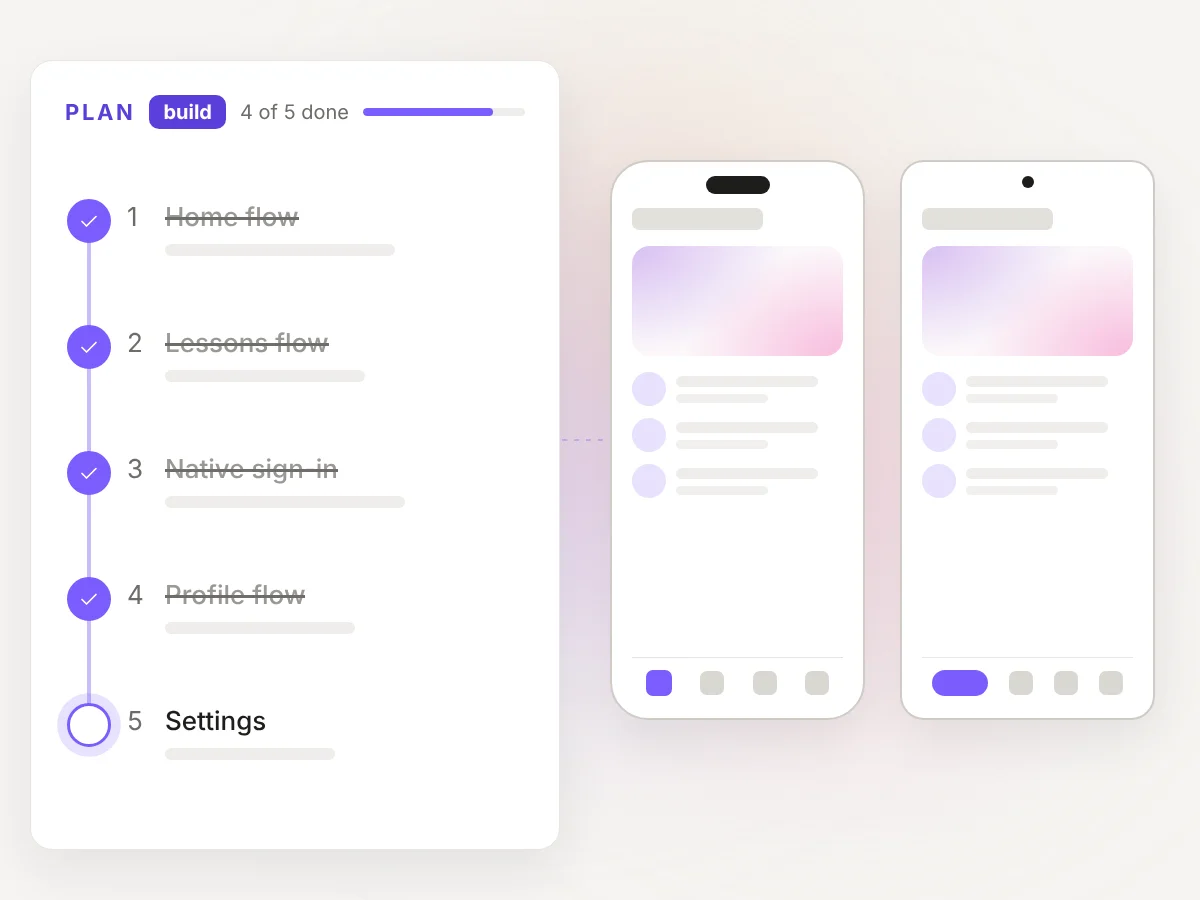
    The plan items ticked off one by one while the iPhone and Android screens fill in
    3

    Build flow by flow

    Your agent builds one flow at a time. You check each one before the next starts.
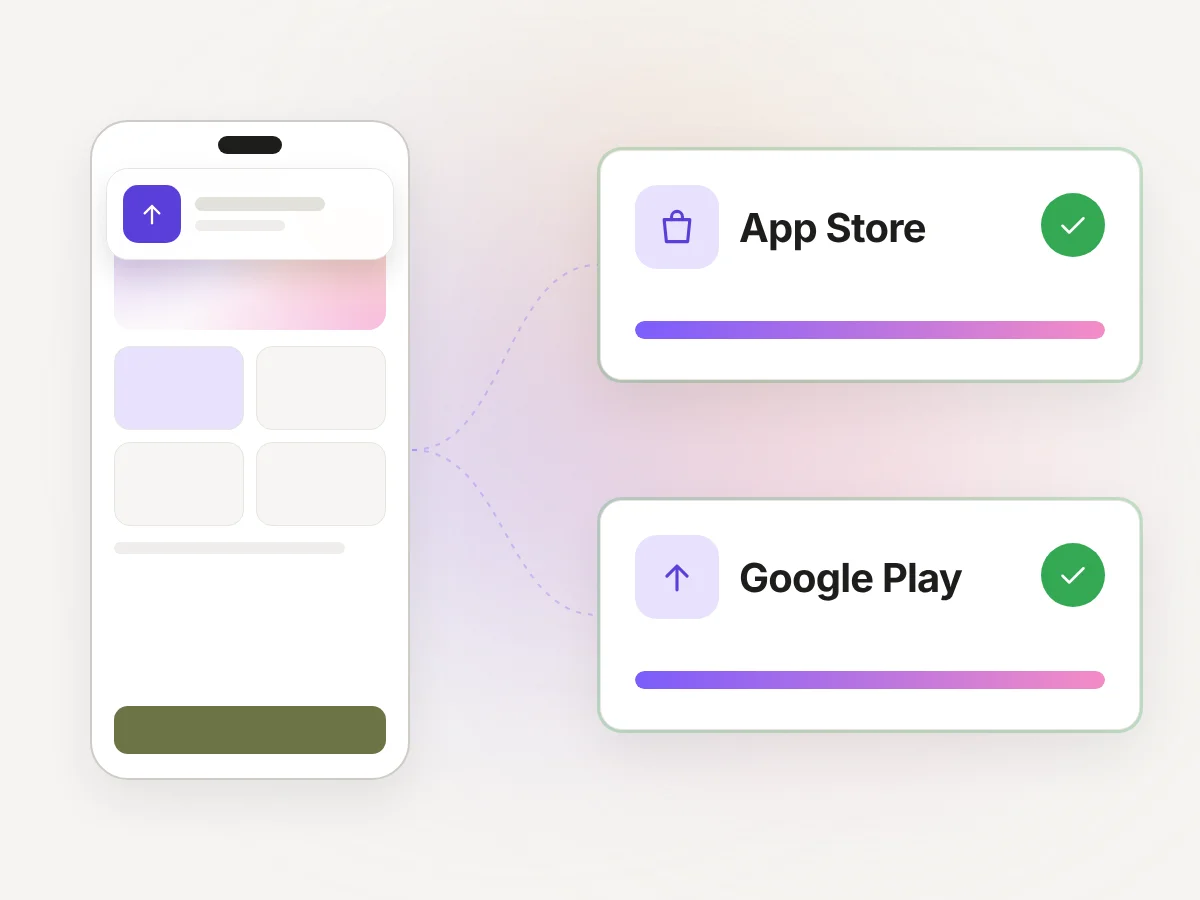
    A new build on an iPhone, then the app published to the App Store and Google Play
    4

    Test and publish

    Run it on your phone, send it to TestFlight and publish to the App Store from Modaal. Upload the Android build to Google Play.

    Native features

    Only true native iOS and Android apps can do all of this.

    Real Swift and Kotlin talk to the phone directly, no web view, no bridge in between. Widgets, the watch, live activities, sensors, wallet: yours from day one, at full performance.

    Widget illustration

    Widgets

    Live Activities illustration

    Live Activities

    Shortcuts

    Sensors illustration

    Sensors

    Background tasks illustration

    Background Tasks

    Watch app illustration

    Watch Apps

    Wallet illustration

    Wallet

    Start on the Free plan

    The Free plan covers one project, with no card. You use your own AI agent subscription, so there are no credits and no meter on prompts. Modaal runs on a Mac.

    Your questions, answered

    Import it into Modaal from its URL or its code (Lovable, Replit, Bolt, Base44, v0 or Git). Modaal writes a migration plan, your AI agent builds native iPhone and Android apps flow by flow, and you publish them to the App Store and Google Play.

    Nothing. It keeps running. The native apps are a new project that uses the same backend, so web and mobile users share accounts and data.

    A public URL of your web app, or its code from Lovable, Replit, Bolt, Base44, v0 or any Git repo, including web apps written by hand.

    They stay where they are. The native apps connect to your existing backend, such as Supabase or Firebase, so nothing is copied or migrated.

    Start on the Free plan: one project on one platform. You use your own AI agent subscription, so Modaal charges no credits. The App Store and Google Play charge their own developer fees: 99 USD a year for Apple and US$25 once for Google.

    Download Modaal for Mac, connect your AI agent, and paste your web app’s URL or its Git repo URL.

    Native. Modaal builds SwiftUI screens for iPhone and Jetpack Compose screens for Android. There is no website inside the app.

    Those tools put your existing website inside an app, in a WebView. Modaal rebuilds the screens natively and keeps your backend, so the app can use widgets, offline storage and background work.

    Neither. The iPhone app’s screens are SwiftUI and the Android app’s screens are Jetpack Compose.

    Yes. Connect the GitHub repo that Lovable syncs to, or paste the published URL. Modaal uses it as the reference for native iPhone and Android apps on the same backend.

    Yes. Export the code to GitHub or paste the app’s URL, import it into Modaal, and publish the native app from your own Apple Developer and Google Play accounts.

    Yes. Modaal is a Mac app, and iPhone apps are built with Xcode, which runs on macOS.

    Apple reviews every app, and no tool can promise approval. Guideline 4.2 is the rule Apple uses for repackaged websites; a native app is not one.

    Yes. It is a standard Xcode project and a standard Android Studio project in your git repo, with the specs next to the code.

    Put the code in a Git repo. Lovable, Bolt, Replit, Base44 and v0 can each push a project to GitHub. Paste the repo URL into Modaal: it reads the code as the reference, and your AI agent builds native iPhone and Android apps on the same backend.

    Ready to put your web app in the App Store?

    Import to Modaal